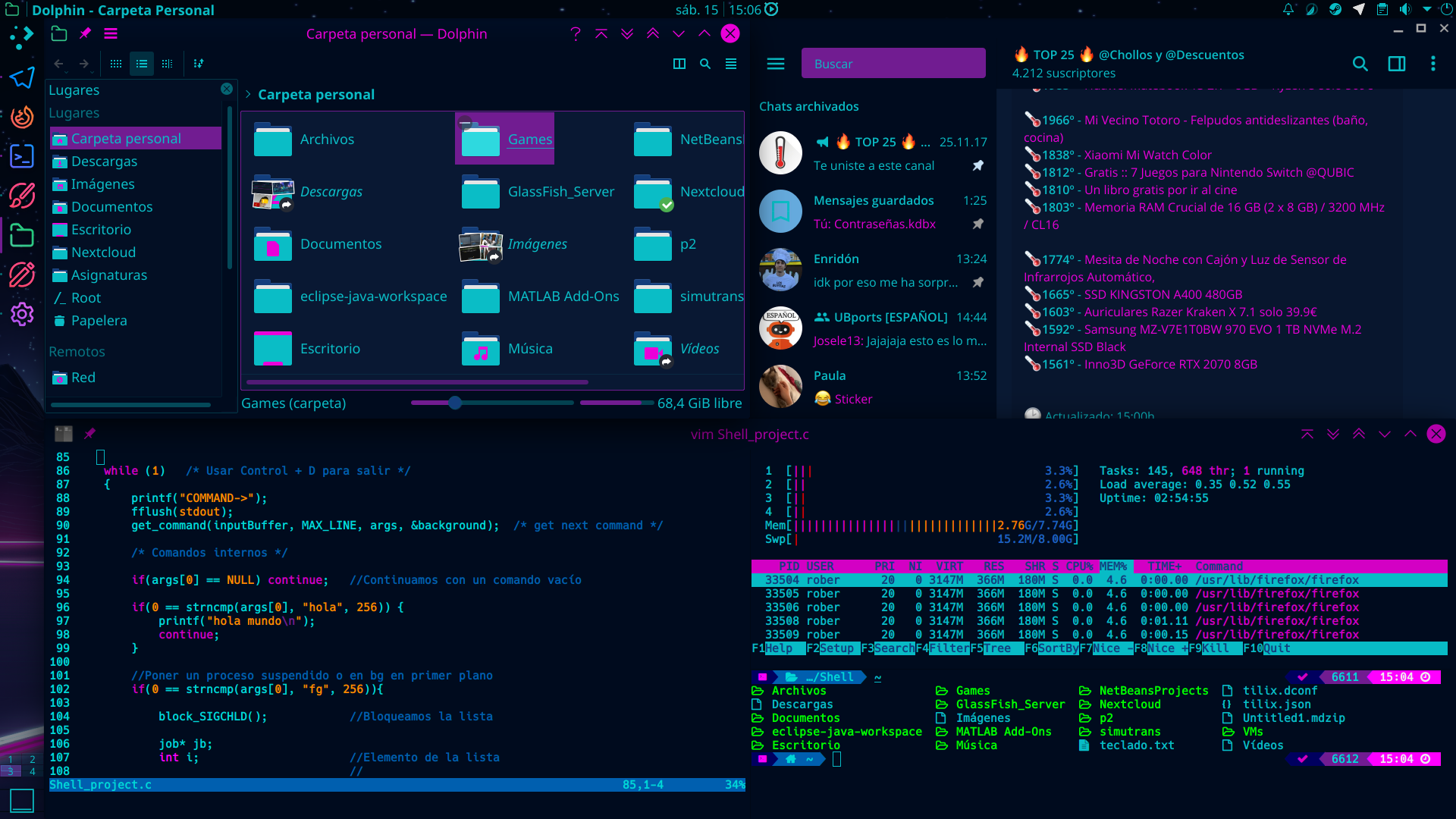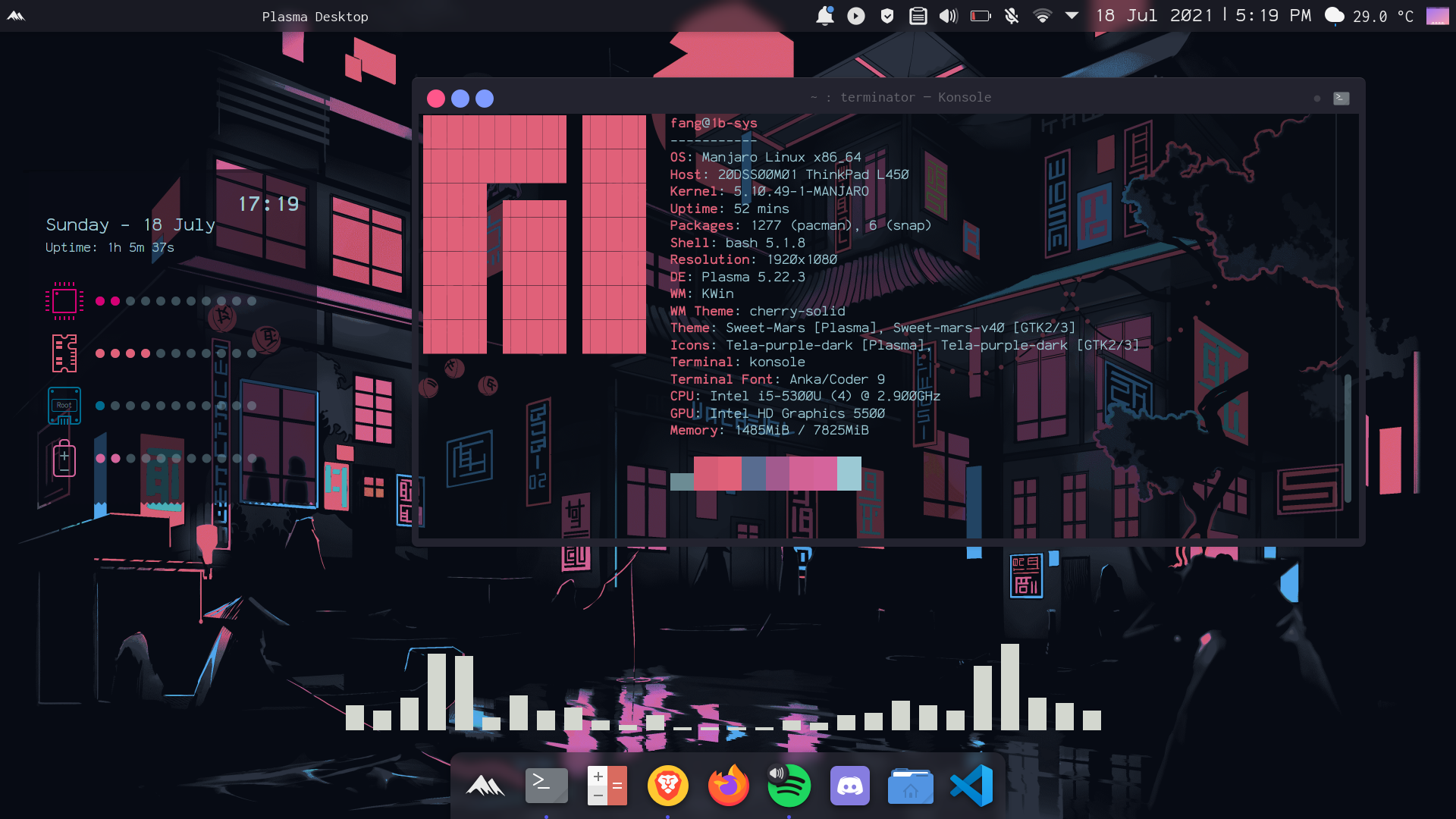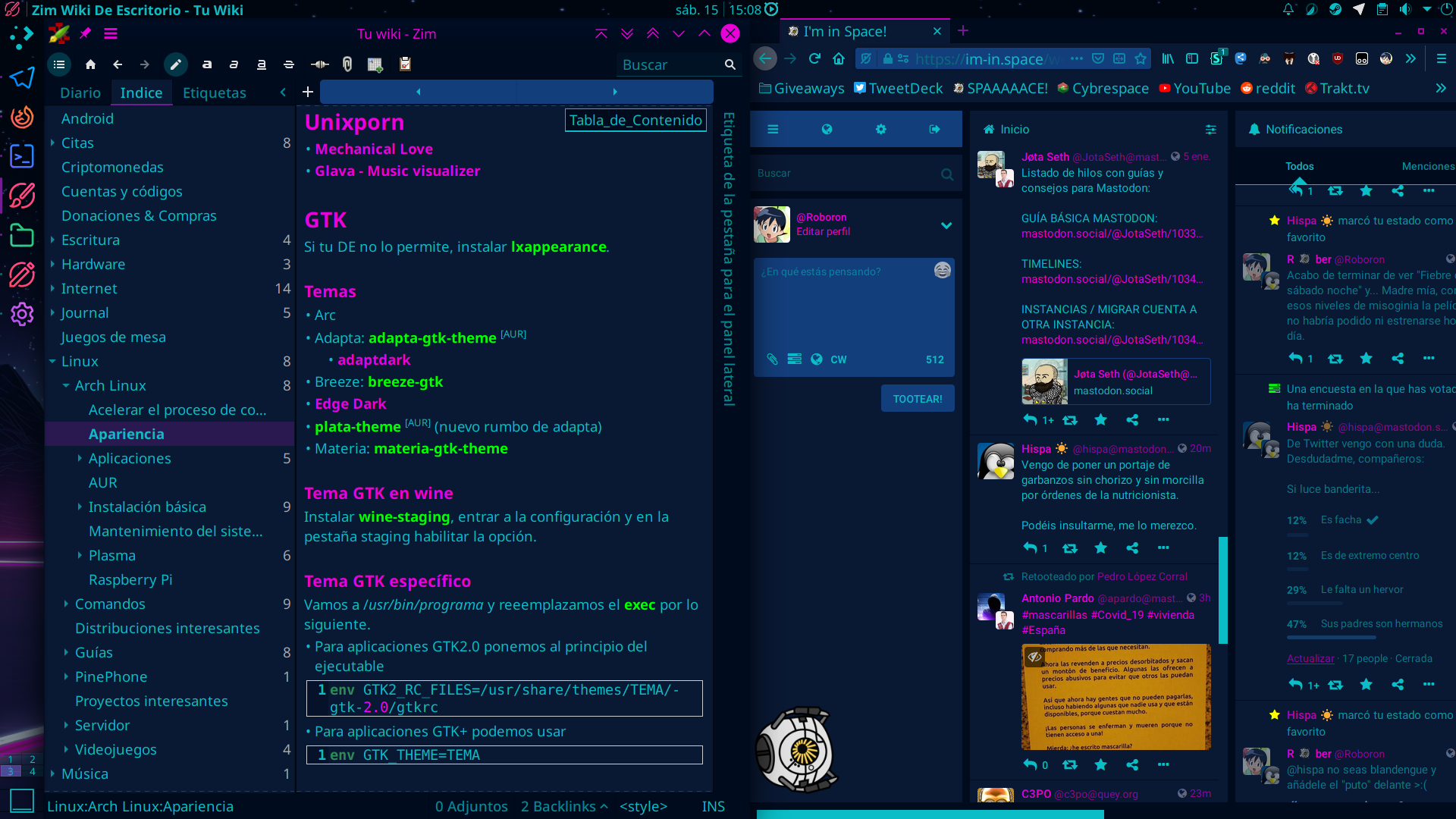
Command the Future, Hack the Mainframe
Step into the Neon Future where AI-driven web experiences redefine digital landscapes. Experience blazing speed, real-time interactivity, and an ultramodern design system.
Installation
Latest version: v3.4.1
About Us
We are a dedicated team of developers and
technology enthusiasts passionate about creating
innovative and immersive digital experiences.
With a deep appreciation for futuristic design, we
built this terminal to
empower users with a seamless, visually striking, and
efficient command-line experience. 🚀
Welcome to the future of the terminal.
10+
Hours of Development
5+
Community Contributors
124+
Forks & Clones
42K
Lines of Code
Next Steps 👇
Set up your custom Theme
Set up your custom Theme Pallet and personalize your terminal's neon glow.
View StepsTheme Configuration
Customize your Hyper terminal with vibrant neon colors and a futuristic look.
Choose Pallet
⚡ Cyberpunk Hyper.js Configuration Guide
Step 1: Open Hyper Terminal & Create .hyper.js
Run the following command in your terminal:
notepad ~/.hyper.js
If the file doesn’t exist, it will be created.
Step 2: Add Cyberpunk Color Palette
Replace the colors section in `.hyper.js` with this:
                module.exports = {

                  config: {

                    colors: {

                      backgroundColor: '#000000', /* Black */

                      foregroundColor: '#00ffee', /* Neon Cyan */

                      borderColor: '#ffcc00', /* Bright Yellow */

                      cursorColor: '#ff00ff', /* Neon Purple */

                      selectionColor: 'rgba(255, 0, 255, 0.3)', /* Magenta Glow */

                      black: '#000000',

                      red: '#ff355e', /* Neon Red */

                      green: '#00ff00', /* Bright Green */

                      yellow: '#ffcc00', /* Cyber Yellow */

                      blue: '#00ccff', /* Electric Blue */

                      magenta: '#ff00ff',

                      cyan: '#00ffee',

                      white: '#ffffff'

                    }

                  }

                };
Step 3: Save & Restart Hyper
After saving the file in Notepad, follow these steps:
- ✅ Close Notepad
- ✅ Close Hyper Terminal
- ✅ Reopen Hyper to apply the new theme
Hyper.js Themes
Cyberpunk
            module.exports = {
              config: {
                fontSize: 14,
                fontFamily: 'Fira Code, monospace',
                cursorColor: 'rgba(255, 0, 255, 0.8)',
                borderColor: '#ff00ff',
                backgroundColor: '#000000',
                foregroundColor: '#00ff00',
                cursorBlink: true
              }
            };
Modern Dark
            module.exports = {
              config: {
                fontSize: 14,
                fontFamily: 'JetBrains Mono, monospace',
                cursorColor: 'rgba(255, 255, 255, 0.8)',
                borderColor: '#1a1a1a',
                backgroundColor: '#0d0d0d',
                foregroundColor: '#ffffff',
                cursorBlink: true
              }
            };
Cyber Neon
            module.exports = {
              config: {
                fontSize: 15,
                fontFamily: 'Roboto Mono, monospace',
                cursorColor: 'rgba(0, 255, 255, 0.8)',
                borderColor: '#00ffff',
                backgroundColor: '#101010',
                foregroundColor: '#ff00ff',
                cursorBlink: true
              }
            };
Minimal Light
            module.exports = {
              config: {
                fontSize: 13,
                fontFamily: 'Source Code Pro, monospace',
                cursorColor: 'rgba(0, 0, 0, 0.8)',
                borderColor: '#e0e0e0',
                backgroundColor: '#ffffff',
                foregroundColor: '#333333',
                cursorBlink: true
              }
            };
Our Company Users



worldwide
⚡ Neon Testimonials
What Our Cyberspace Clients Say
🟢 "A mind-blowing experience! Their cyber-enhanced services took our startup to the next level. Highly recommended!"
- Zane Cyberwave | CEO, HyperTech
⭐⭐⭐⭐⭐🔵 "Neon-infused designs and AI-driven strategies! The futuristic approach exceeded our expectations."
- Kira Neon | Founder, CyberNova
⭐⭐⭐⭐⭐🟣 "Their next-gen solutions transformed our entire workflow into a digital paradise. Best decision ever!"
- Axel Circuit | CTO, HoloTech
⭐⭐⭐⭐⭐🟠 "Unreal performance and cutting-edge technology! If you're not working with them, you're missing out."
- Luna Quantum | Lead Developer, NexusCorp
⭐⭐⭐⭐⭐🟡 "Their AI-driven cyber solutions are the best in the game. Our business saw an exponential boost!"
- Nova Hax | Security Analyst, CyberSafe
⭐⭐⭐⭐⭐🔴 "An absolute game-changer! The neon-powered UX/UI design is ahead of its time!"
- Rex Byte | Founder, SynthTech
⭐⭐⭐⭐⭐NAZEON - Project Documentation
Everything you need to know about this project
1. Overview
NAZEON is a cutting-edge project designed for [describe purpose]. It utilizes modern web technologies to deliver a fast, secure, and intuitive experience.
2. Key Features
- ⚡ AI-powered real-time analysis
- ⚡ Fully responsive cyberpunk-themed UI
- ⚡ Data security with end-to-end encryption
- ⚡ Interactive chatbot for assistance
- ⚡ Dynamic dark mode interface
3. Technologies Used
- Frontend: React.js, TailwindCSS
- Backend: Node.js, Express.js
- Database: MongoDB
- Authentication: Firebase Auth
4. Installation Guide
- Clone the repository:
Directly download from here only - Navigate to project:
cd nazeon - Install dependencies:
npm install - Start the server:
npm start - Open:
http://localhost:3000
5. How to Use
- 🔹 Sign up and create an account.
- 🔹 Access the AI-powered dashboard.
- 🔹 Use tools for [specific feature].
- 🔹 View detailed reports and suggestions.
6. Screenshots


7. Future Enhancements
- 🚀 AI-powered predictions & automation
- 🚀 Voice command integration
- 🚀 Multi-language support
- 🚀 NFT-based authentication system